EN
EN


In the era of digital creation, smart styluses are no longer just ordinary input tools, but have become core equipment for improving efficiency and unleashing creativity in the fields of drawing and design. We will analyze how smart styluses improve the efficiency of creative drawing and design work from three dimensions: core functions, application scenarios, and purchasing tips.
Core Technology: Precise and Smooth Underlying Support
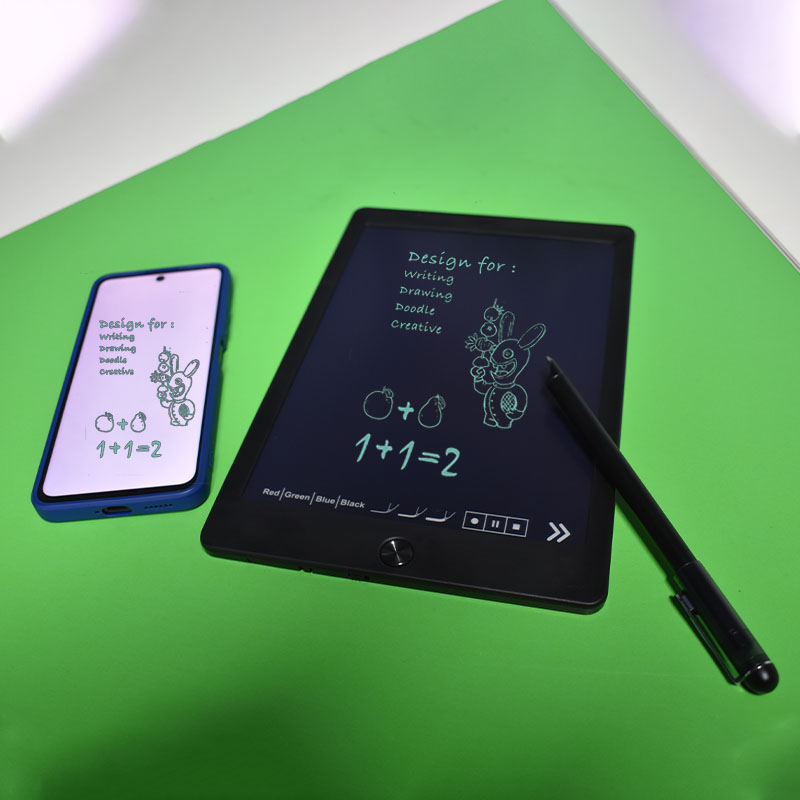
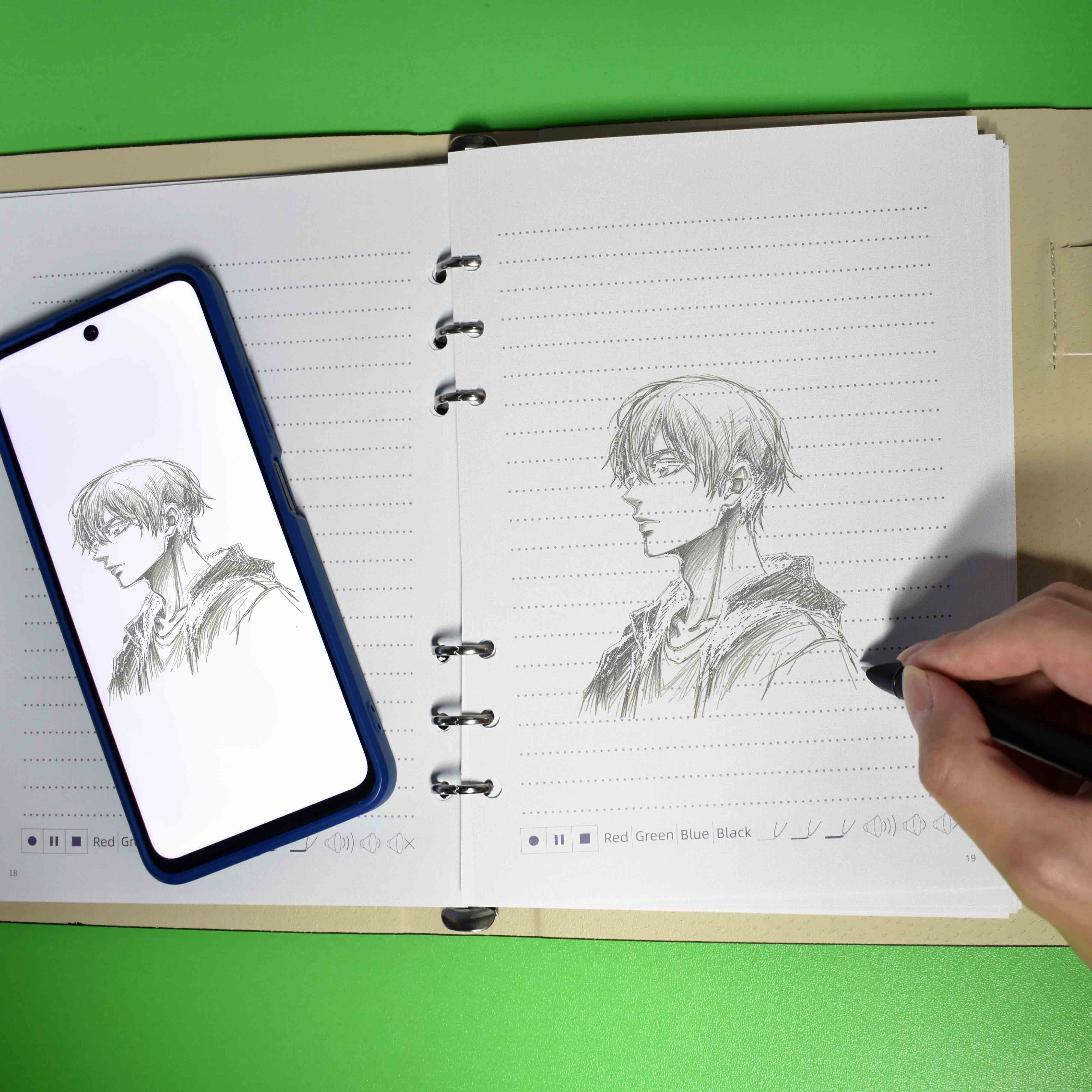
The efficiency improvement of smart styluses stems from breakthroughs in both hardware and algorithms. It primarily uses OCR recognition technology, combined with specific paper with markings, to recreate the feel of traditional pen and paper. The ultra-low latency of 2ms achieves zero-latency synchronization between handwriting and pen movement, eliminating stuttering and lag, allowing inspiration to be presented seamlessly
Application Scenario: Upgraded Efficiency Across the Entire Workflow
1. Rapid Sketching and Creative Iteration
The low latency and high precision of smart styluses allow creators to sketch creative drafts on paper or a drawing tablet at any time. It supports quick adjustment of line thickness, color changes, and an eraser function for one-click corrections, avoiding the tedious process of repeated erasures with traditional pen and paper. Taking drawing and design as an example, designers can quickly generate sketches and adjust content in real time, shortening the time from idea to final implementation.
2. Efficient Collaboration and Version Management
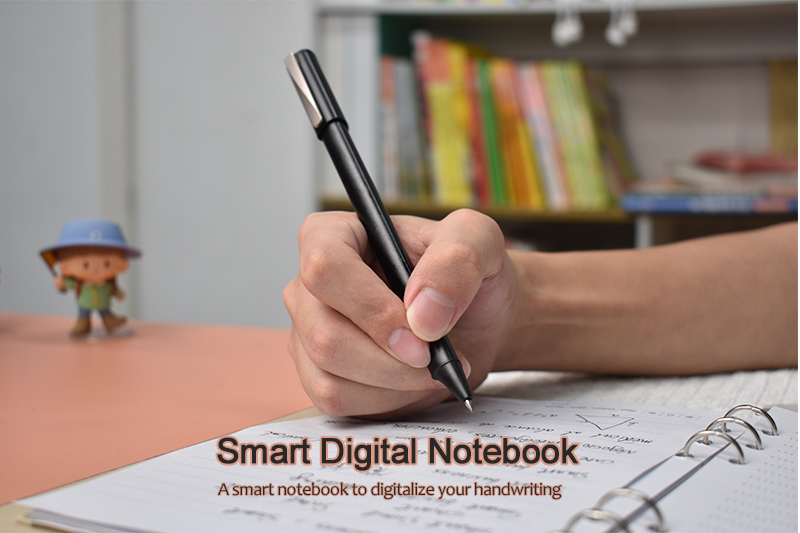
The smart stylus supports multi-device collaboration and cloud synchronization, allowing creators to seamlessly switch between different devices and update design files in real time. During the creation process, the recording function can be used to directly express creative ideas, improving communication efficiency.
Summary: A Core Tool for Efficiency Upgrade
For drawing and design professionals, it shortens the creative implementation cycle and improves efficiency in detail handling and collaboration.
Choosing a smart stylus that suits your needs and mastering its shortcut functions and AI collaboration techniques can lead to a qualitative leap in work efficiency. Whether for daily design or business office work, an efficient smart stylus can become a core tool for enhancing competitiveness.